Managing Plans in Your Sellstart Store
- Locating the Plans Section: Log in to your Sellstart admin panel and make your way to the 'Plans' tab under 'Customer'.

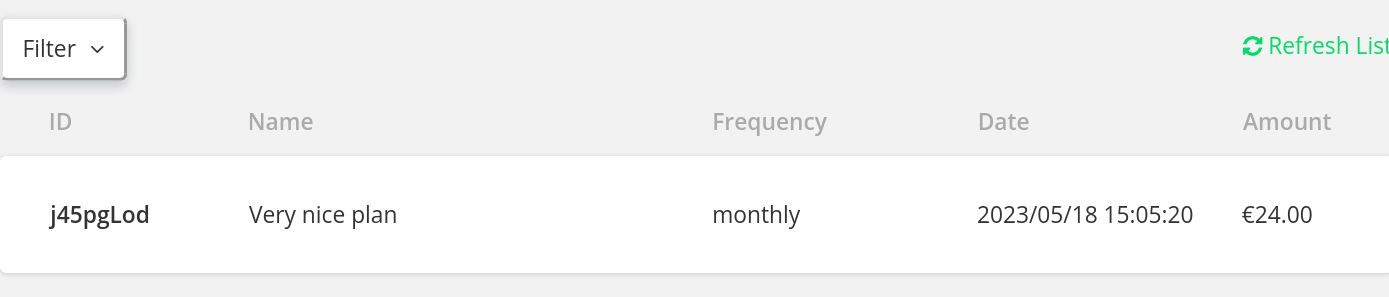
- Inspecting Plans: On the 'Plans' page, you can observe all present plans, their costs, durations, and the count of subscribers.
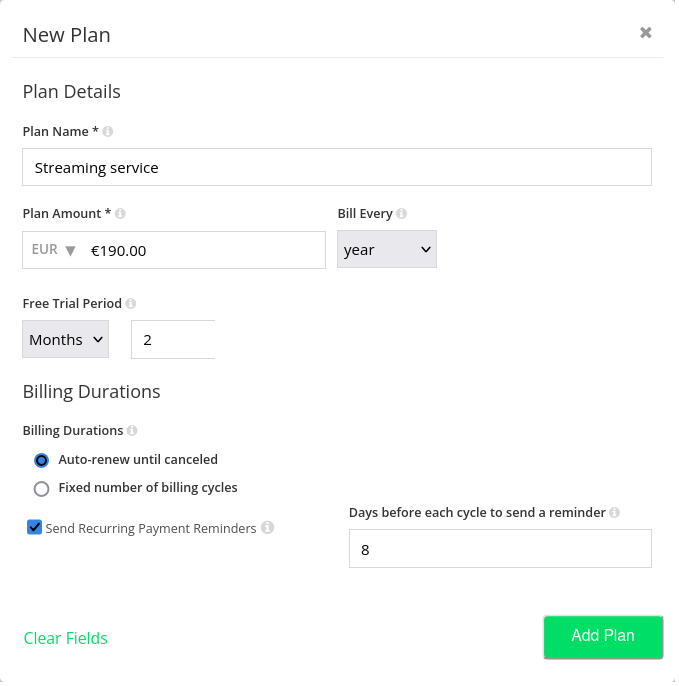
- Forming a New Plan: To create a new subscription plan, hit 'New Plan'. Fill in the necessary fields such as plan name, cost, and duration, then select 'Add Plan'.
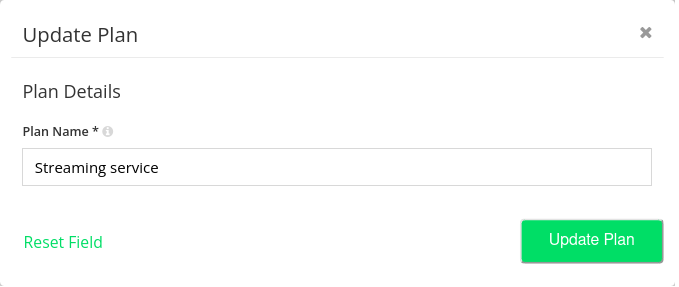
- Amending Existing Plans: To adjust the details of a current plan, click on the plan name and then the 'Update Plan' button. After performing the necessary modifications, safeguard them by selecting 'Update Plan'.
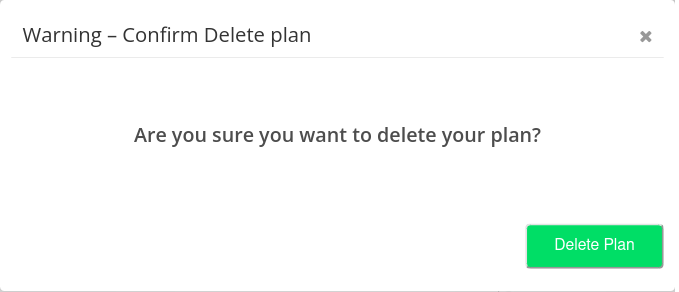
- Erasing Plans: If you need to delete a plan, click on 'Delete Plan' in the plan details. Bear in mind that erasing a plan will impact all subscribers linked to this plan.
- Overseeing Subscriptions: All ongoing subscriptions tied to a plan can be observed and directed from the plan details. This helps comprehend how many customers are currently subscribed to each plan.
Remember, a clear and comprehensive plan structure is vital for customers to understand their subscriptions. Regularly updating your plans ensures you efficiently meet your customers' evolving needs.